Quickly find your website’s conversion rate and uncover opportunities to grow. Just enter your total website visits and conversions to instantly calculate your conversion rate.
Using the calculator is simple:

Step 1: Enter the number of website visits or sessions for a chosen period.

Step 2: Add the number of conversions (sales, leads, bookings, form fills, etc.).

Step 3: Click Calculate Conversion Rate to instantly see your conversion rate percentage.

Step 4: Compare your rate to industry benchmarks or past performance.

Step 5: Use your result to guide your optimization strategy and identify growth opportunities.
You can calculate conversion rate for specific campaigns, landing pages, entire websites, product pages, or user flows.
Your next growth mission begins here. We’ll help you identify what’s holding your conversions back and create a plan to take you further, faster.
KARL Mission wasn't born in a boardroom; it came to life from our real experiences working in big digital agencies.
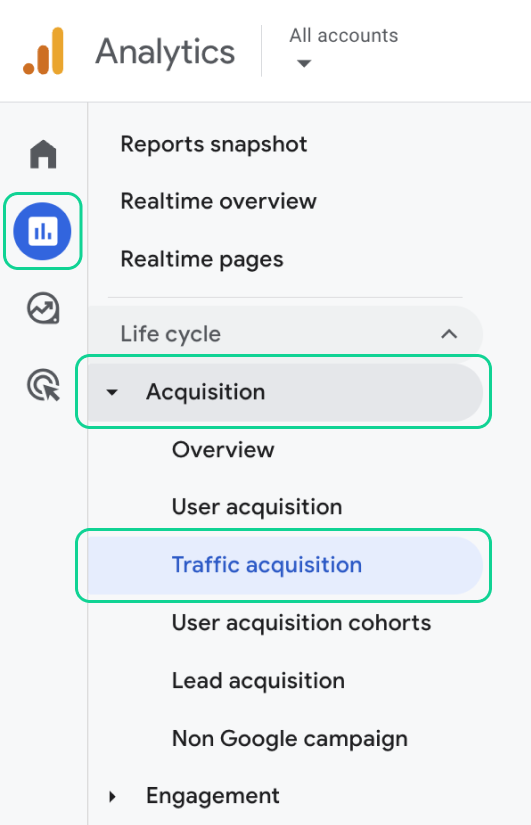
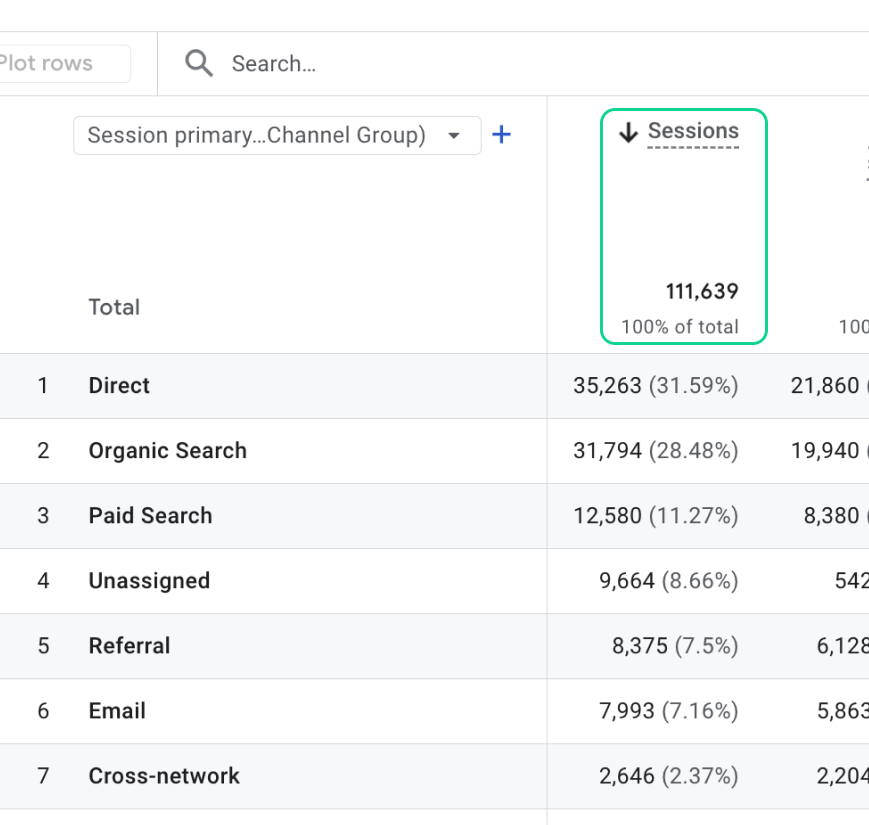
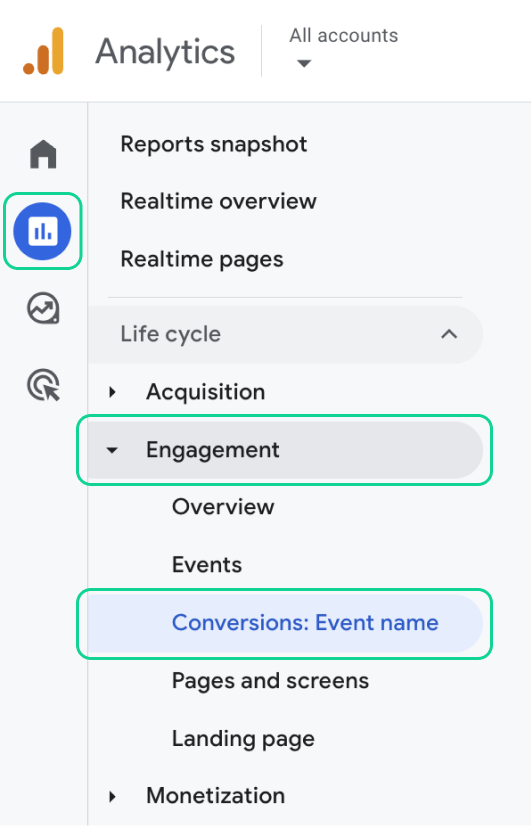
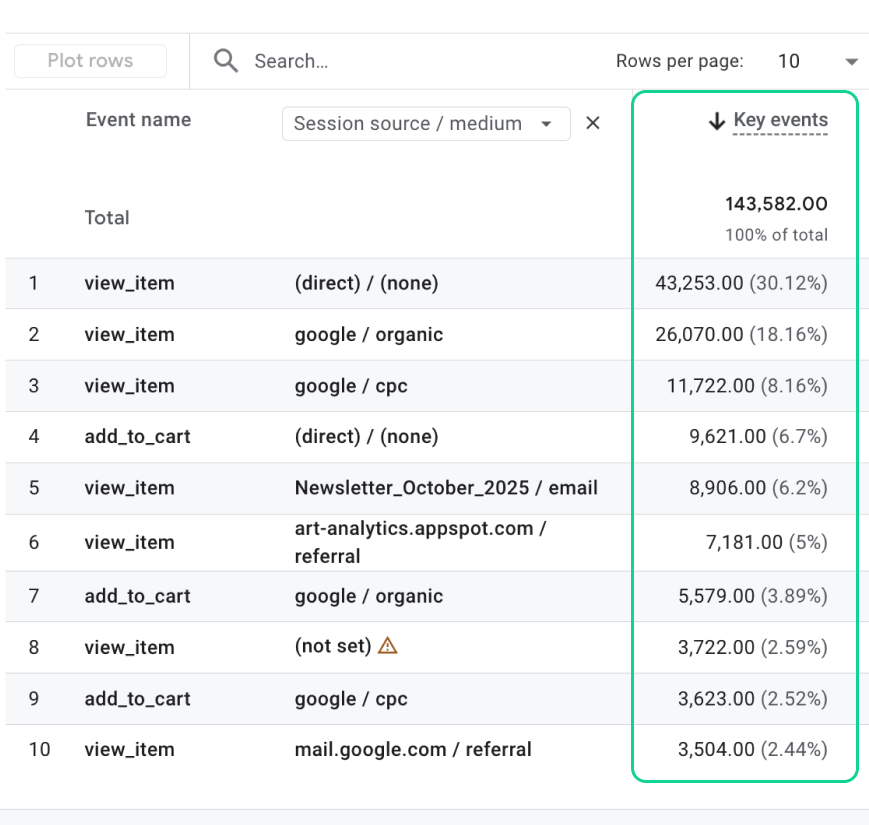

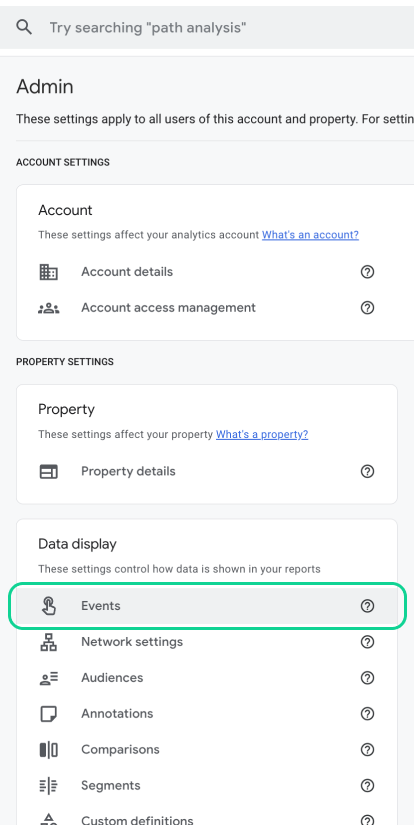
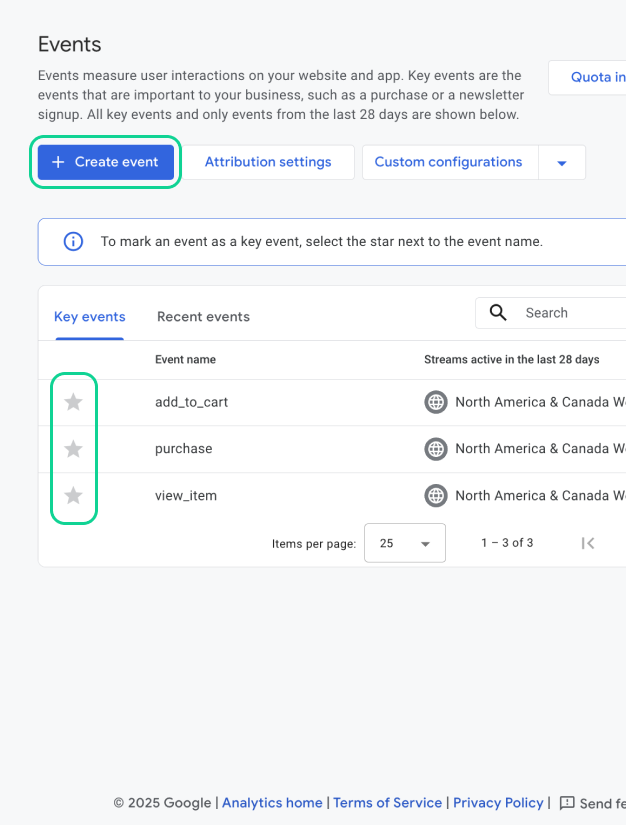
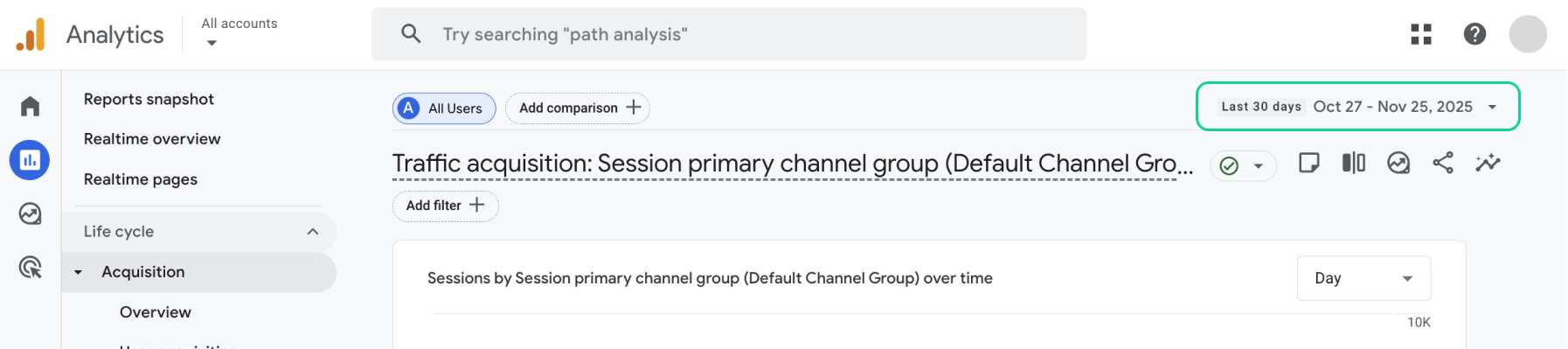

Make sure your date range matches when comparing traffic and conversions.
Conversion rate is the percentage of visitors who complete a desired action on your website. It’s one of the most important metrics for evaluating website performance, user experience, and marketing ROI.
A “conversion” can be any meaningful business action, such as:
Conversion Rate Formula:
(Total Conversions ÷ Total Visits) × 100
Your conversion rate reveals how effectively your website persuades, motivates, and guides users. A higher conversion rate means:
Even a small improvement in conversion rate can create significant revenue growth.
Book Free ConsultationWe’ve compiled our top 10 best practices to improve your website's performance and increase your conversion rate.




Every great mission starts with a single step. Let’s plot your flight path and get your brand moving at light speed.
Book Free Consultation